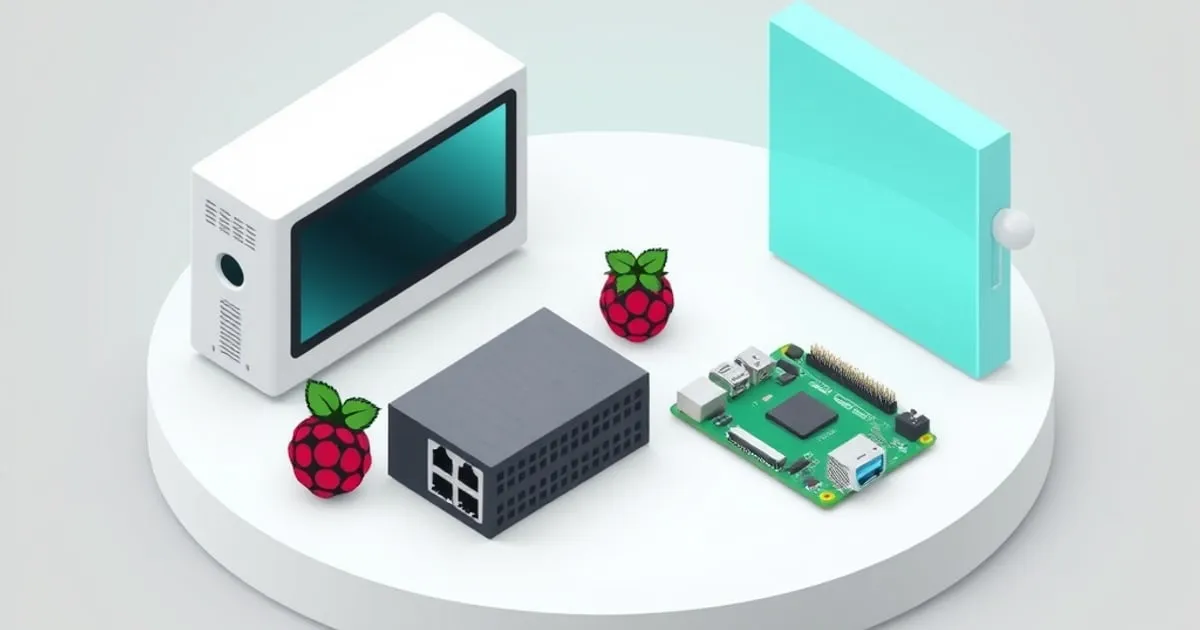
Mini PC vs Raspberry Pi for Your First Home Server: Which to Buy?
The Raspberry Pi 4 and Intel N100 mini PCs are both popular choices for beginner home servers. Here's how they compare on performance, cost, and use case fit.
The two most common starting points for a first home server are the Raspberry Pi and a mini PC. They’re both small, low-power, and inexpensive. They’re also pretty different in ways that matter depending on what you want to run.
Here’s a practical comparison to help you pick the right one.
The Raspberry Pi 4
The Raspberry Pi 4 is a single-board computer with a 64-bit ARM processor, available in 1GB, 2GB, 4GB, and 8GB RAM configurations. For home server use, the 4GB or 8GB models are worth the extra cost.
What it’s good at:
- Pi-hole and simple network services
- Home Assistant (it’s actually the recommended hardware for HA)
- Low-power continuous operation (around 3-5W)
- Learning Linux on cheap hardware where mistakes don’t matter much
- Compact form factor
Where it falls short:
- Storage is slow. The Raspberry Pi 4 uses a microSD card by default, which is slow and wears out. You can boot from USB, but USB storage is still slower than NVMe.
- ARM architecture means some software isn’t packaged for it, or runs with compatibility overhead.
- Limited I/O bandwidth. The USB and network share a single bus on the Pi 4, which caps throughput.
- Transcoding video is painful. It doesn’t have hardware H.264 or H.265 encoding/decoding capable of handling multiple streams.
Price: The Raspberry Pi 4 8GB model is around $75-80. Add a case, power supply, and storage and you’re at $100-120. Availability has improved since the supply shortage years.
Mini PCs with Intel N100
The Intel N100 is a low-power x86 processor that appeared in a wave of inexpensive mini PCs. These machines typically include 8-16GB of soldered RAM, an NVMe slot, and 2.5GbE networking.
At $150-200 on Amazon (often less on sale), they’re a significant step up from a Raspberry Pi in capability without being expensive.
What they’re good at:
- Running multiple Docker containers simultaneously
- Video transcoding (Intel Quick Sync hardware acceleration)
- Fast NVMe storage
- x86 compatibility means everything just works
- Roughly the same idle power draw as a Pi 4 (5-8W), maybe a bit more under load
Where they fall short:
- Slightly bulkier than a Pi (though still very small)
- A little more power draw under load
- Less beginner-friendly for pure Linux learning purposes (though fine for Docker use)
Price: $150-200 for the unit. Add an NVMe drive ($50-80 for 1TB) and you’re at $200-280 total.
Direct Comparison
| Raspberry Pi 4 (8GB) | Mini PC (N100) | |
|---|---|---|
| CPU architecture | ARM | x86-64 |
| RAM | 8GB max | 8-16GB |
| Storage interface | microSD / USB | NVMe |
| Video transcoding | Poor | Good (Quick Sync) |
| Power (idle) | ~3W | ~5-8W |
| Software compatibility | Good, some gaps | Excellent |
| Price (with storage) | ~$100-120 | ~$200-280 |
Which Should You Choose?
Get the Raspberry Pi 4 if:
- Your primary use case is Pi-hole or Home Assistant
- You specifically want to learn Linux on cheap hardware
- Power draw is a serious concern (running completely passively off solar, for example)
- You already have one and want to know if it’s enough before buying more hardware
Get a mini PC if:
- You want to run multiple services (Nextcloud, Vaultwarden, Jellyfin, etc.)
- You plan to do any video streaming or transcoding
- You want NVMe storage speed
- You want a machine that can grow with your needs over 3-5 years without hitting limitations
For most people building their first real homelab, the N100 mini PC is the better starting point. The extra $100-150 over a Raspberry Pi buys you significantly more headroom, much faster storage, and compatibility with everything. You won’t outgrow it running typical home server workloads. Our best mini PC for a homelab guide narrows the N100/N150 field down to specific boxes worth buying.
The Raspberry Pi makes sense as a dedicated Pi-hole or Home Assistant machine, or if budget is genuinely constrained. A lot of people run one or two services on a Pi and are perfectly happy with it for years.
If you already have a spare laptop or old desktop sitting unused, that’s often the actual best starting point. An old laptop with 8GB RAM running Ubuntu can handle everything in the beginner homelab guide without buying new hardware at all.
A Note on NAS Devices
Dedicated NAS boxes (Synology, QNAP, etc.) are another option. They’re well-designed for storage-heavy workloads and have good software ecosystems. They’re also more expensive ($300-600 for a 2-bay entry-level unit without drives). Unless storage is your primary use case, they’re more hardware than most beginners need.
Start with a mini PC or Pi, get comfortable with Docker, and consider a NAS later if storage becomes a priority.
Related

Best Mini PC for Homelab 2026: N100, N150, and What to Actually Buy
A practical buyer's guide to the best mini PC for homelab 2026 — Beelink, GMKtec, MinisForum, and bare-metal boards compared by power draw, NIC count, and

Jellyfin vs Plex for Home Server: Which Should You Run in 2026?
A practical comparison of Jellyfin and Plex for home server deployments — hardware requirements, transcoding costs, client apps, privacy trade-offs, and a

The Beginner Homelab Guide: First 5 Services Worth Running
You don't need expensive hardware to start self-hosting. Here are five services that are worth the setup time and run comfortably on any low-power mini PC.